Before the Skylights and Hearths, families who wanted a calendar on the wall built one: a monitor, a Raspberry Pi taped to the back, and a dashboard running full-screen. The DIY route is still alive, still cheaper than the boxed products, and still the most fun you can have with a spare screen. It's also more maintenance than the blog posts admit. Here are the three classic builds, what they cost, and where they wear out, plus the lazy fourth option. (That one's ours; we make Callie.)
Build 1: Raspberry Pi + DAKboard
The canonical build. A Raspberry Pi boots straight into DAKboard, a web dashboard that renders your calendars, weather, and photos in a clean layout on any monitor or TV.
- Cost: a Pi with power and a case runs $50–100 depending on model and shortages; add a monitor if you don't have one in a closet. DAKboard's free plan covers two calendars on a predefined layout; custom layouts are $5–10/month.
- Effort: an afternoon if you've flashed an SD card before; a weekend of forum-reading if not.
- Wear points: SD cards corrupt, Wi-Fi drops after power cuts, and the screen needs a scheduled on/off so it isn't glowing at 3am. You are the support department.
Build 2: MagicMirror
MagicMirror² is the open-source darling: a Pi behind two-way mirror glass, white-on-black modules showing the calendar as you fix your hair. Fully free, fully self-hosted, endlessly moddable, and the highest-effort option here, because you're assembling software modules and a physical mirror frame. As a project it's glorious. As family infrastructure, understand that if the family depends on it, the family depends on your patience for tinkering.
Build 3: the wall-mounted tablet
An old iPad or a $60-on-sale Fire tablet in a wall mount, running a calendar app with the screen pinned on. Cheaper and quieter than a Pi build, touch input included. The problems show up later: tablet batteries hate being charged 24/7 (use a smart plug on a charge/discharge cycle), guided-access modes leak, and small screens read poorly from across a kitchen. Fine for a hallway; squinty as the main board.
The lazy option: the TV you already mounted
Every build above exists to get a screen onto a wall. But most living rooms already have the largest, best-mounted screen in the house, with a streaming box under it. Making that the family calendar skips the hardware project entirely.
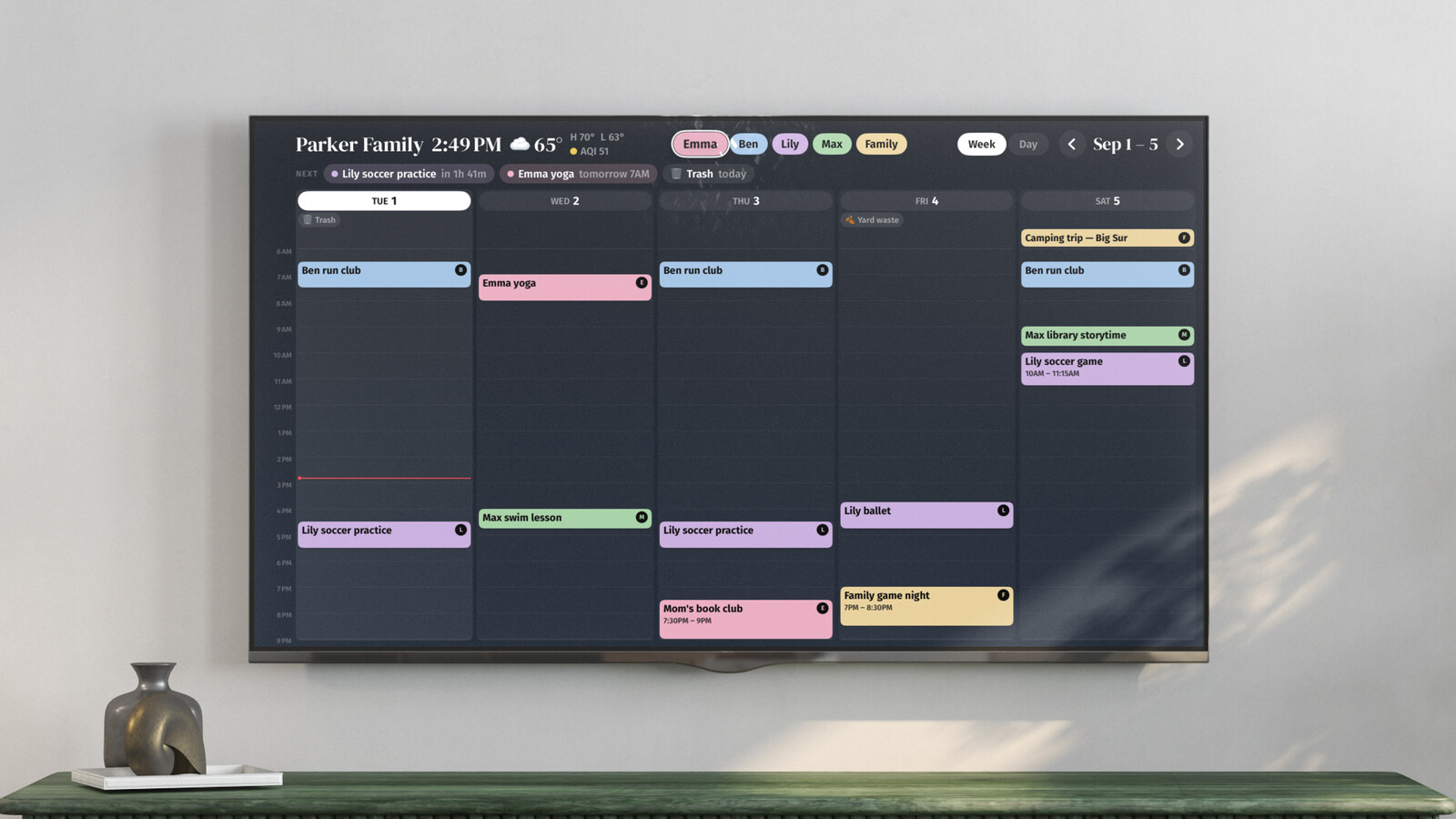
That's the gap Callie fills: install it on the Apple TV, Fire TV, or Google TV (the Apple TV app comes from the App Store, the Fire TV app from the Amazon Appstore, and the Google TV app from a Google Play test anyone can join), link each screen with a 6-digit code, connect Google or Outlook or paste an iCloud calendar's link, and the week is on the wall in the time a Pi takes to boot. Color per person, automatic name-tagging, photo frame from your iCloud or Google Photos shared album when idle. It's free for now, then $3 a month or $30 a year per family. When something breaks, it's our pager, not your weekend. iPads, iPhones, and Macs get the apps too, any other screen with a browser can show Callie's web board, and a TRMNL e-ink display can show the week as well.
Which build, then?
| Build | Cash | Your time | Who maintains it |
|---|---|---|---|
| Pi + DAKboard | $50–200 | an afternoon+ | you |
| MagicMirror | $100–300 | a weekend+ | very much you |
| Wall tablet | $0–150 | an hour | you, quarterly |
| App on the TV | $0 up front | ten minutes | the vendor |
The right question isn't which build is best. It's whether you want a project or an appliance. If the project is the appeal, build the mirror; nothing we ship will beat the feeling of walking past a thing you made. If you just want the week where everyone can see it, take the ten-minute column.

