Adding calendars

Callie shows your calendars and can't change anything in them. Connect a Google or Outlook account, or add the link a calendar publishes. Either way, Callie never sees your password. One shared family calendar or one per person: both work, and you can add as many as you like.
How to connect Google or Outlook
Callie reads your Google or Outlook calendars to show them on your family’s screens. It never changes them. Privacy
- On my.callie.so: People → + Add calendar → Google or Outlook → Connect. In the iPhone app: Settings → People → Connect Google or Connect Outlook.
- Sign in on Google’s or Microsoft’s own page and allow Callie to see your calendars. On Google’s page, make sure both calendar boxes are ticked.
- Back in Callie, tick the calendars to show and say whose each one is.
On a TV, choose Add a Calendar and scan the code with your phone: it opens the same steps.
“Need admin approval”? That’s a work or school account whose admin hasn’t approved Callie. Ask them, connect a personal Outlook.com account, or publish the calendar and add its link (below).
“Google hasn’t verified this app”? Google is still reviewing Callie. Choose Advanced, then Go to Callie.
The board says access ended? Choose Reconnect next to the account under People, and sign in with the same account.
An event says Busy or Invitation? An event marked private shows only as Busy. An invitation you haven’t answered shows only as Invitation until you accept it.
Disconnecting. On my.callie.so: People → Connected accounts → Disconnect. In the iPhone app: Settings → People, then swipe the account left and tap Disconnect.
iCloud
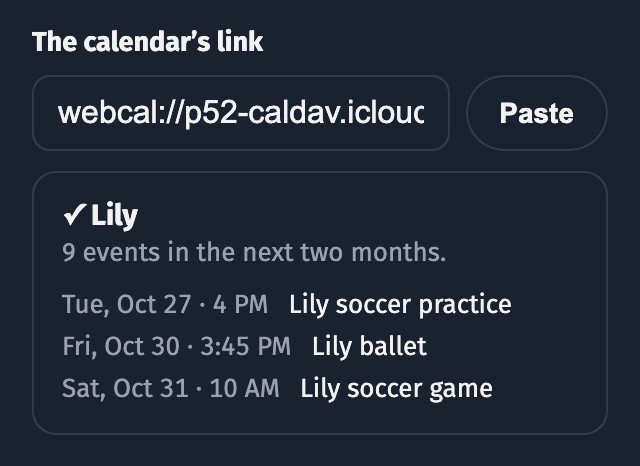
Don’t see Public Calendar? It only appears on iCloud calendars you own. For a Google calendar use the Google steps; if someone else owns it, ask them to turn it on and send you the link.
If the link gets out, turn Public Calendar off and on again for a new one, and paste it over the old link under People in my.callie.so.
Google, using a link
You’ll need a computer for this: Google Calendar’s phone app doesn’t show the secret address.
No Secret address in iCal format? On a work or school Google account, the administrator can turn it off. Ask them, or keep the family calendar on a personal Google account.
If the link gets out, click Reset under the secret address for a new one, and paste it over the old link under People in my.callie.so.
Only have a share link (calendar.google.com/calendar?cid=…) or an Add to Google Calendar button? Paste that: when the calendar is public, as most school and team calendars are, Callie finds its feed. For a private calendar, copy the secret address instead.
Outlook
Publish the calendar on a computer, in Outlook on the web or the new Outlook for Windows (the phone app and classic Outlook can’t): open Settings → Calendar → Shared calendars. Under Publish a calendar, choose the calendar and Can view all details, then Publish, and copy the ICS link, not the HTML one. Anyone with the link can see the calendar, so share it only with people you trust. Add it in my.callie.so the same way as above.
The detail level starts at Can view when I’m busy, which shares busy times only, without titles, so Callie can’t tell whose each event is. If Callie says so when you add the link, publish the calendar again with Can view all details and add its ICS link.
Work and school Microsoft 365 accounts may not offer Publish a calendar if the administrator has turned it off; ask them, or use a personal Outlook.com calendar.
School, team and club calendars
Look for their Subscribe, iCal or .ics link, copy it, and add it the same way. An Add to Google Calendar link works too.
One calendar for the whole family
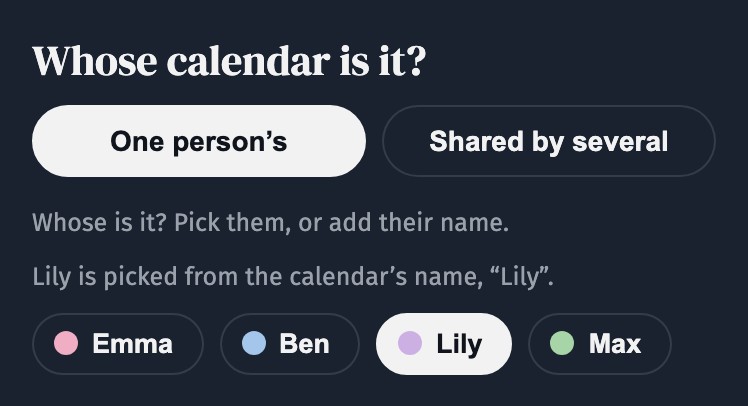
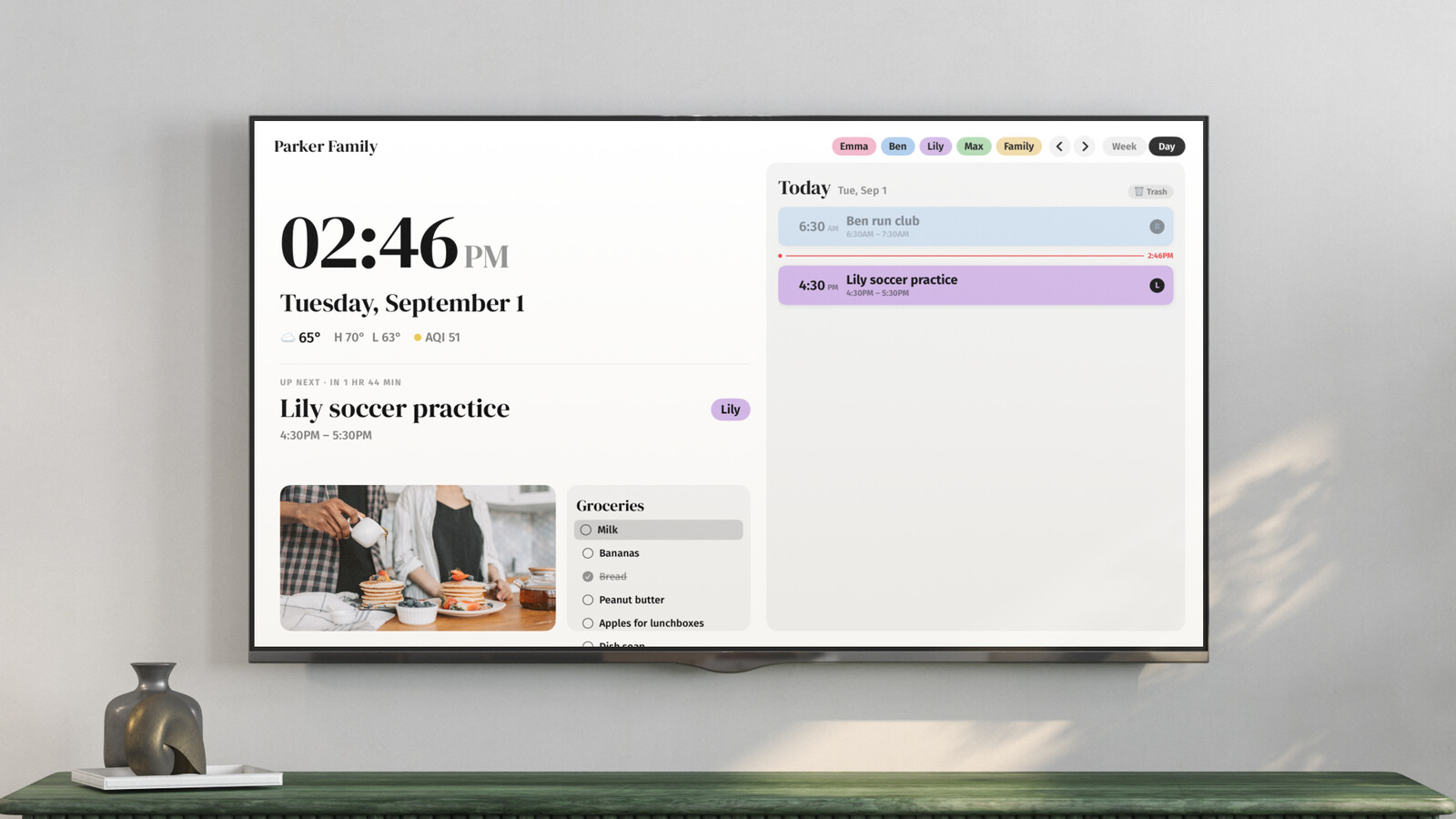
Add it as Shared by several. Callie gives each event to whoever is named in its title: “Lily soccer” goes to Lily, in Lily’s color, and an event with no name shows as Family. Add nicknames under People, and “Mom’s book club” goes to Emma once she has the nickname Mom. More in Assigning events to people.
New events usually appear within a few minutes: Callie checks each calendar every 5 minutes. To change that, open Household → General → Refresh every in my.callie.so.
More guides
- Assigning events to people: Everyone gets a color; Callie works out whose event is whose.
- Troubleshooting: Events not showing, wrong tags, codes, cameras, deleting your family or account.
- Setting up your screens: Install Callie and put the board on every screen with a 6-digit code.
Stuck? Contact us for help.