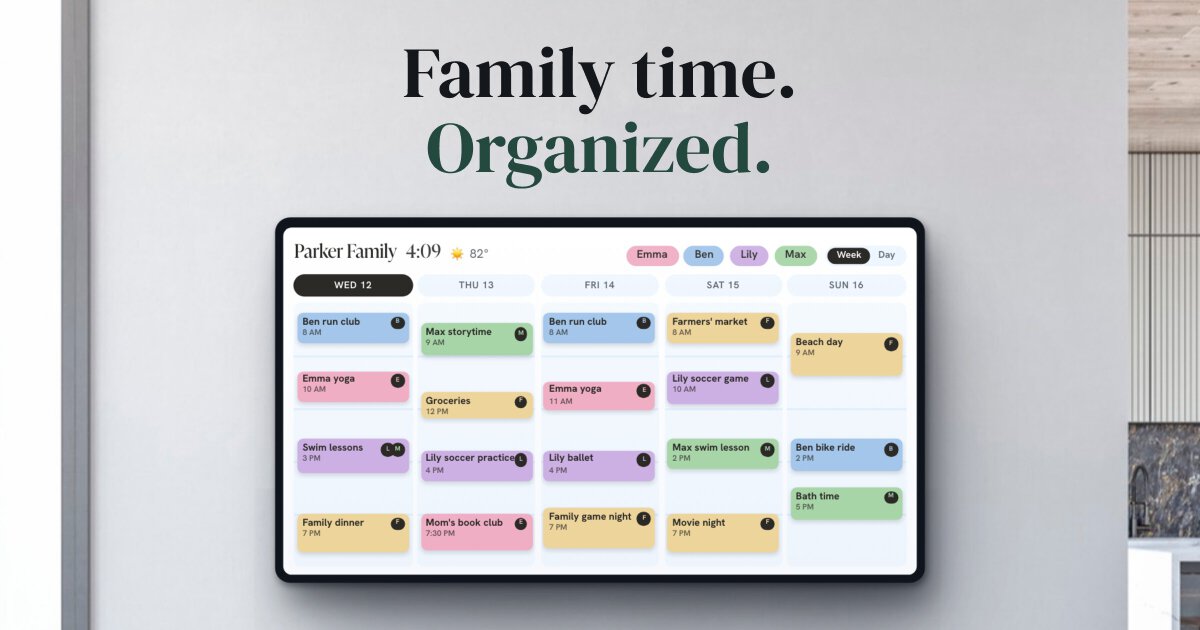
When kids split their week between two homes, the calendar stops being a convenience. It's the record of where everyone is supposed to be, and a missed pickup costs more than an apology. The tools for this fall into two groups: plain shared calendars, and co-parenting platforms built for families where a court is, or might be, involved. Which group you need depends less on features than on how well the two households talk. (We make Callie, which puts a calendar on the screens in each home. It isn't a co-parenting platform, and we'll say where it fits. Prices checked October 2026.)
The short version
| If… | Use | Cost |
|---|---|---|
| you get along and both use phones | A shared Google calendar | Free |
| you want a calendar app just for this | TimeTree | Free with ads |
| a court order names a platform | That platform, usually OurFamilyWizard or TalkingParents | From $7 a month per parent |
| you want one bill for both homes | 2houses | $169.99 a year per family |
| the kids should see it too | Any of the above, on a screen in each home | Depends on the screen |
If you cooperate: a shared Google calendar
For parents who get along well enough to text about a schedule swap, a free shared calendar does the job, and Google Calendar is the one that works on both iPhone and Android. One parent creates a calendar called something like "Kids", shares it with the other under Settings and sharing, and gives them Make changes to events. Each of you sees it beside your own calendar, and your own appointments stay private.
The trick is entering the custody schedule once. Most schedules repeat every two weeks, so write each stretch as an all-day event ("At Dad's", "At Mom's") set to repeat every 2 weeks:
- Week on, week off: two events, each 7 days long.
- 2-2-5-5 (Mon–Tue with one parent, Wed–Thu with the other, alternating weekends that stretch to five days): four events.
- 2-2-3 (two days, two days, three days, flipping each week): six events.
Put handoffs in as short timed events with the place in the title ("Pickup at school, Dad, 3:15"). Holidays and summer swaps go on top as one-off events, so the regular pattern never needs editing.
What you give up: anyone with edit access can change or delete an event, and Google Calendar keeps no history a parent can see. If a pickup time changes, nobody can later show what it used to say. When that matters, you've outgrown a plain calendar.
A calendar app just for the kids: TimeTree
TimeTree is a free shared-calendar app, popular with couples and families, that keeps the shared calendar in its own app instead of beside your work meetings. Each event has a comment thread, which suits "can you take her to this one?" conversations. The free version shows ads; Premium ($4.49/month or $44.99/year) removes them and adds attachments. The catch for two homes: TimeTree can't export. Its events stay in TimeTree, so they won't show in Google or Apple Calendar or on any screen outside the app.
If you need a record: co-parenting platforms
When communication is strained, or a judge has ordered it, a co-parenting platform replaces texts and a shared calendar with one system that keeps receipts. Messages are timestamped, schedule changes go through a request-and-approve step, and nothing can be quietly edited afterward. That's why courts name them: the records hold up. If your order names one, use that one. Most charge each parent separately, so double the price for the household.
OurFamilyWizard ($110–$299.88 a year per parent)
OurFamilyWizard is the one judges know by name; the company says judges in all 50 states order it. The Essentials plan ($149.99 a year per parent) is the usual pick: messaging that shows when the other parent first read a message, schedule change requests, an expense log, and PDF records for court. Premium ($216) and Max ($299.88) add certified records and recorded calls. Kids' accounts are free. One limit for this article's purpose: the calendar doesn't sync out. You can download a one-time file of events, but it leaves out the parenting schedule and never updates.
TalkingParents ($7–$32 a month per parent)
TalkingParents ended its free plan on March 30, 2026. Essentials is $7 a month and includes messaging, the shared calendar, and a journal; unlimited PDF records start with Enhanced at $16. Each parent picks their own plan. It can copy the shared calendar into Google Calendar, though you press Sync to update it.
AppClose ($83.88 a year per parent)
AppClose was the free option for years. It's now one paid plan, billed per parent: $7.99 a month or $83.88 a year on its website, a little more through the app stores, with a 60-day trial.
2houses ($169.99 a year per family)
2houses charges once for the family, not per parent, which makes it the cheapest paid option for two homes. It also does something the others don't: Share my calendar gives a live calendar link for the whole family or for one child, so the schedule shows up in Google or Apple Calendar and keeps updating.
BestInterest (free tier; paid $9.99–$29.99 a month per parent)
BestInterest is built for high-conflict co-parenting, and it still has a free tier: messaging, a calendar, expenses, and exports. The higher paid tiers filter hostile messages.
Getting the schedule onto the wall, in both homes
Every option above lives in a parent's phone. Kids don't have that phone, and the younger ones can't read a calendar app anyway. What a seven-year-old can read is a big screen in the kitchen that says "At Dad's" in their color, across Wednesday and Thursday.
That's the part Callie covers. Each home sets up its own Callie family and connects the same shared calendar: sign in with Google or Outlook, or paste a calendar's private link (2houses' shared link works too). The TV, tablet, or any browser in each house then shows the same custody blocks and handoffs, with every kid in their own color. A few details matter for two households:
- It only reads. Callie can't change anything in your calendars, so the shared calendar (or the platform) stays the single source of truth. Nobody edits the schedule by bumping a remote.
- Each home's board is its own. Lists, photos, chores, and the other household's private calendars stay in their own family. The only thing the two boards share is the calendar you both connected.
- Kids don't need accounts. They're people on the calendar, with a color, not sign-ins.
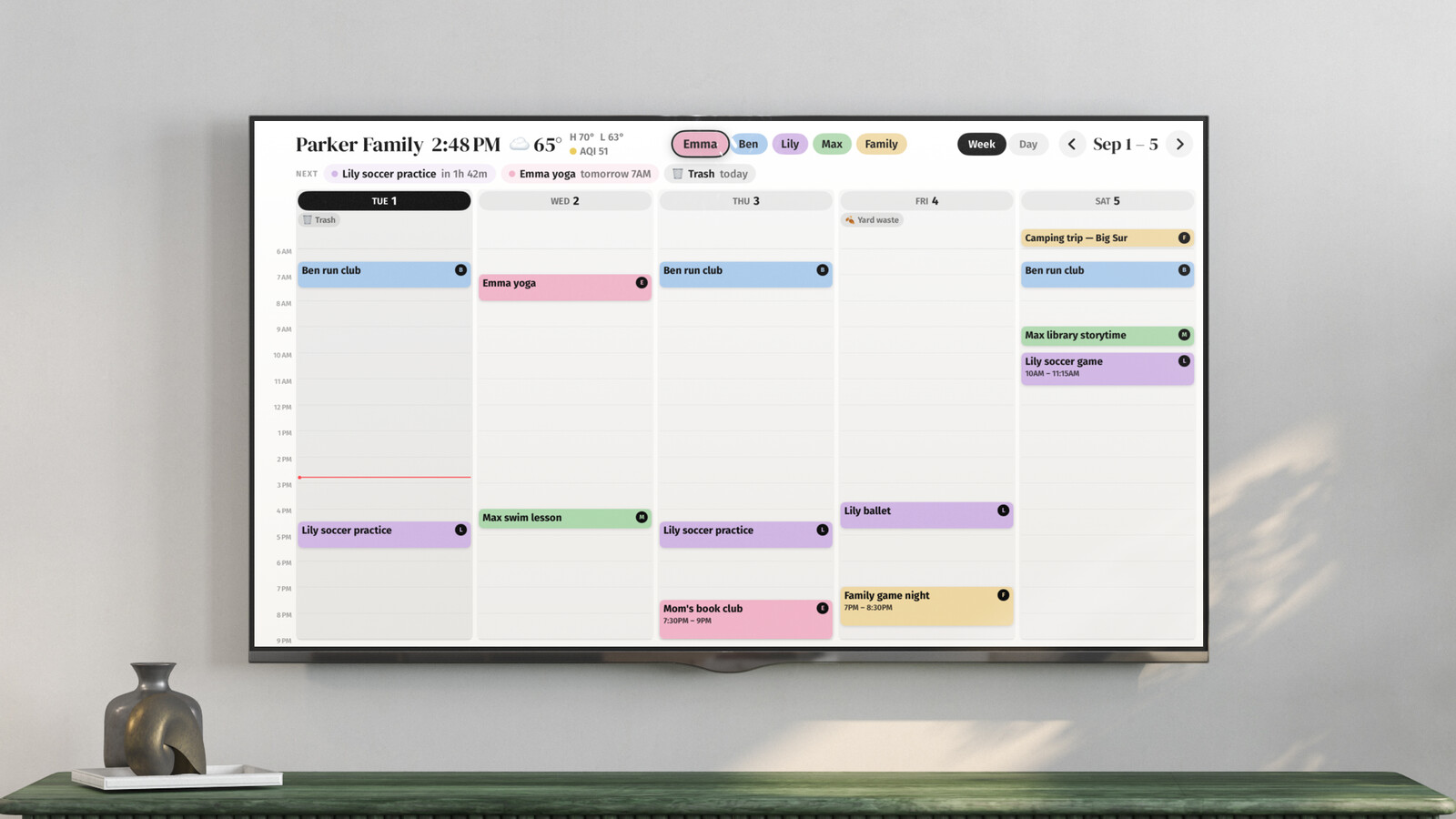
It's free for now, then $3 a month or $30 a year per family, and each home is its own family, so two homes means two subscriptions once paid plans start. It doesn't do messaging, expenses, or records. If you use a co-parenting platform for those, keep using it. If that platform can't publish its calendar (OurFamilyWizard and TimeTree can't), no wall display can show it, ours included. Keep a plain copy of the custody pattern in Google for the screens.
A few rules that save arguments
- A calendar just for the kids. Not either parent's main calendar with the other invited in. A separate calendar that both of you can edit keeps work meetings and new partners' birthdays out of the other house.
- Name events by place. "At Mom's" reads better on a kitchen wall than "Mom's weekend (swapped)".
- Changes go in the calendar first, then a message. The calendar is what both homes look at; a text thread isn't.
- Color by kid. Each kid finds their own days by looking for their color. More on color-coding.